8.7. Register Policy
8.7.1. User registration
Deprecated since version 3.14: Self-registration is deprecated and will be removed in a future release,
together with this policy scope and the /register endpoints. Its only
user interface is the registration link of the old WebUI, which is being
removed, and the new WebUI does not offer registration. The endpoints log a
warning when they are used - if your installation relies on
self-registration, please let us know before it is removed.
Users can register with privacyIDEA. I.e. a user that does not exist in a given realm and resolver can create a new account.
Note
Registering new users is only possible, if there is a writeable resolver and if the necessary policy in the scope register is defined. For editable UserIdResolvers see User ID Resolvers.
If a register policy with the action resolver is defined, the login window gets a new link “Register”.
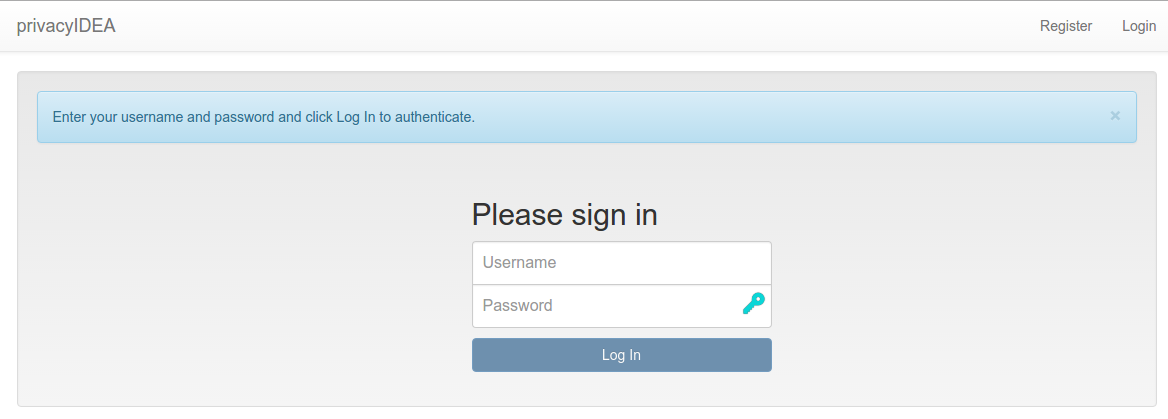
Next to the login button is a new link ‘register’, so that new users are able to register.
A user who clicks the link to register a new account gets this registration dialog:
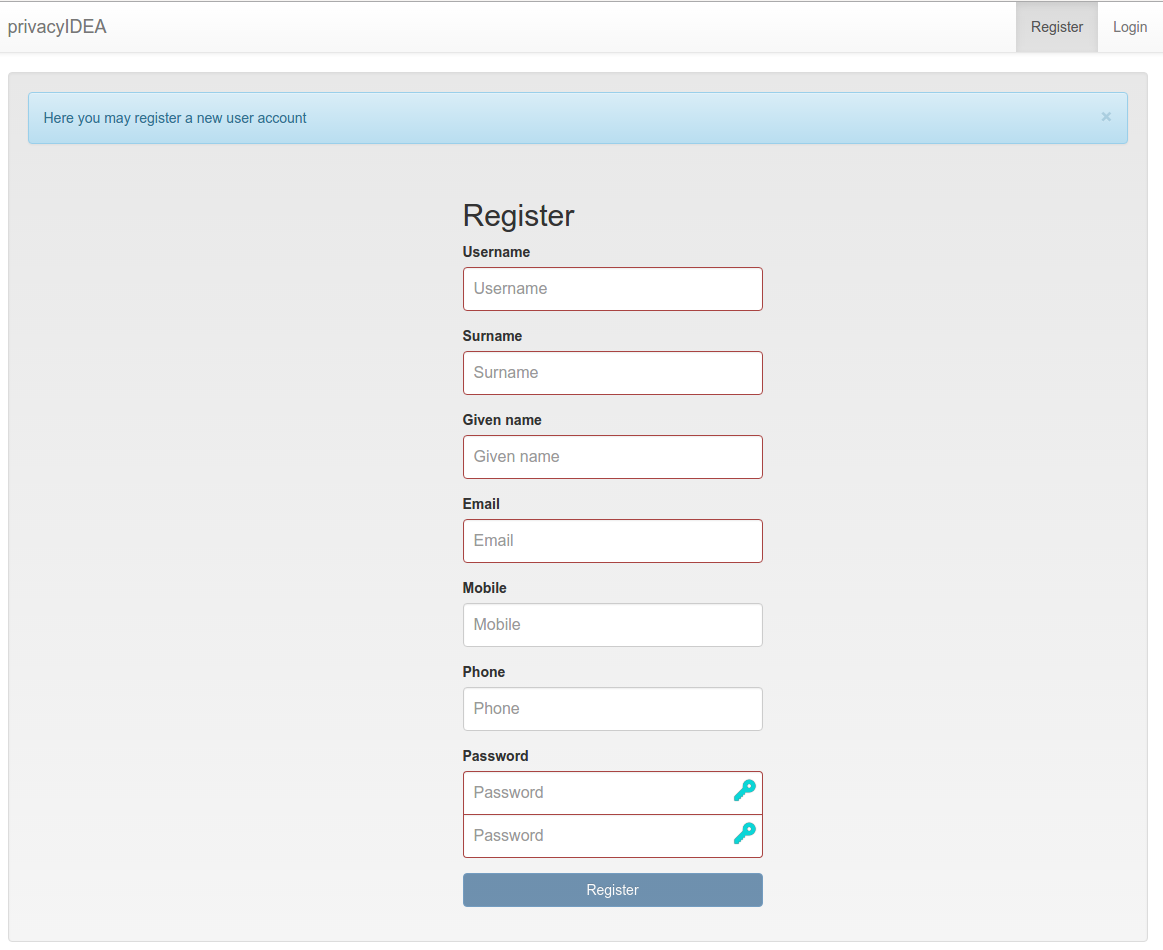
Registration form
During registration the user is also enrolled a registration token. This registration code is sent to the user via a notification email.
Note
Using the right policies in scope webui and authentication the user could log in with the password they set during registration and the registration code received via email.
8.7.2. Policy settings
In the scope register several settings define the behavior of the registration process.
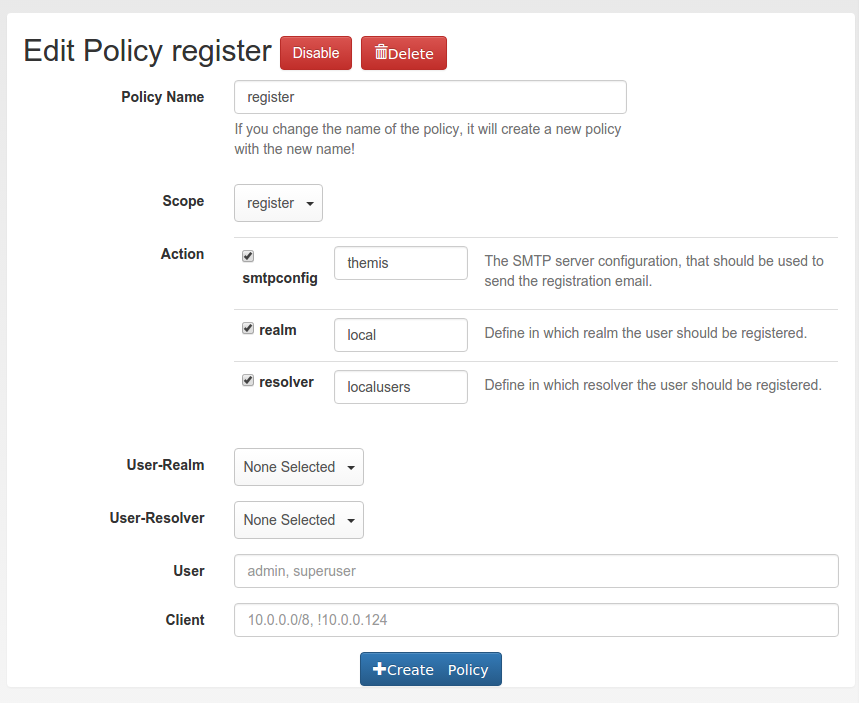
Creating a new registration policy
8.7.2.1. realm
type: string
This is the realm, in which a new user will be registered. If this realm is not specified, the user will be registered in the default realm.
8.7.2.2. resolver
type: string
This is the resolver, in which the new user will be registered. If this resolver is not specified, registration is not possible!
Note
This resolver must be an editable resolver, otherwise the user can not be created in this resolver.
8.7.2.3. smtpconfig
type: string
This is the unique identifier of the SMTP server configuration. This SMTP server is used to send the notification email with the registration code during the registration process.
Note
If there is no smtpconfig or it is set to a wrong identifier, the user will get no notification email.
8.7.2.4. requiredemail
type: string
This is a regular expression according to [1].
Only email addresses in which this regular expression is found are allowed to
register. The expression is searched anywhere in the address, so anchor it with
^ and $. If several policies apply, an address matching any of them is
allowed.
Example: If you only want to allow email addresses from the domain example.com, a policy might look like this:
action: requiredemail=/^[^@]+@example\.com$/
8.7.2.5. registration_body
type: string
The body of the registration email. Use {regkey} as tag for the
registration key.
8.7.2.6. hide_specific_error_message
type: bool
If this policy is set, a failed registration returns the generic error message “Failed registering new user” instead of the specific one.