4.6.2. Manage Users
privacyIDEA allows you to edit users in the configured resolvers. This is possible for SQL, LDAP and HTTP resolvers.
In the resolver definition you need to check the checkbox Edit user store.
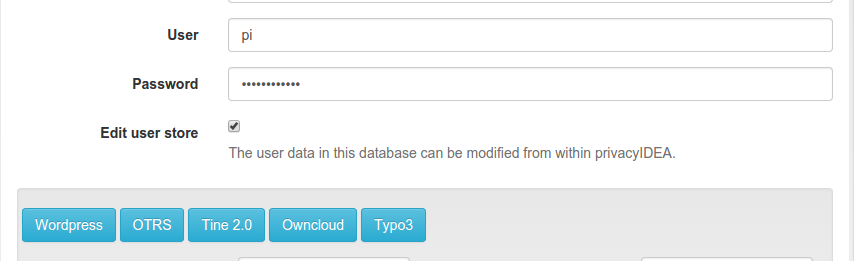
Users in SQL can be edited, when checking the checkbox.
In the User Details view, the administrator then can click the button Edit
and change the attributes of the user. The form shows one field for each
attribute of the resolver’s attribute mapping, except the username and the
user ID. A new password can be set if the mapping contains password, as in
the resolver created by pi-manage config resolver create_internal (see
Simple local users setup). Fields left empty are not written, so an
attribute can not be cleared here. The button Edit requires the admin policy
actions updateuser and resolverread.
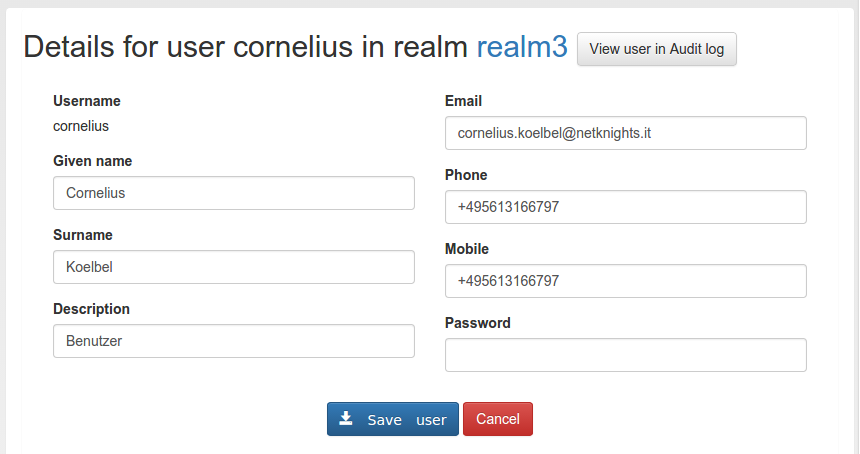
Edit the attributes of an existing user.
Note
The data of the user will be modified in the user store (database). Thus the user’s data, which will be returned by a resolver, is changed. If the resolver is contained in several realms these changes will reflect in all realms.
If you want to add a user, you can click on Create User in the users view.
The button requires the admin policy actions adduser and resolverread
and is only shown if at least one resolver is editable.
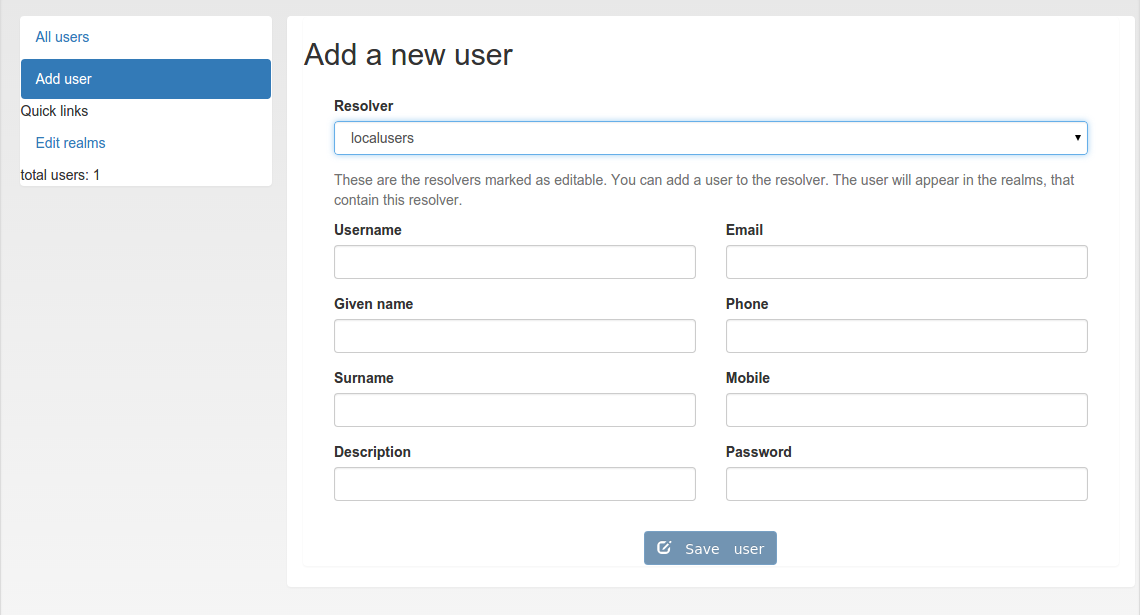
Add a new user.
Users are contained in resolvers and added to resolvers. So you need to choose an existing resolver and not a realm. The user will be visible in all realms, the resolver is contained in.
Note
Of course you can set policies to allow or deny the administrator these rights.
4.6.2.1. Simple local users setup
You can set up a local users definition quite easily. Run:
pi-manage config resolver create_internal test
This will create a database table “users_test” in your token database. And it will create a resolver “test” that refers to this database table.
Then you can add this resolver to a realm:
pi-manage config realm create internal_realm test
Which will create a realm “internal_realm” containing the resolver “test”. Now you can start adding users to this resolver as described above.
Note
This is an example of how to get started with users quite quickly. Of course you do not need to save the users table in the same database as the tokens. But in scenarios, where you do not have existing user stores or the user stores are managed by another department or are not accessible easily this may be a sensible way.
